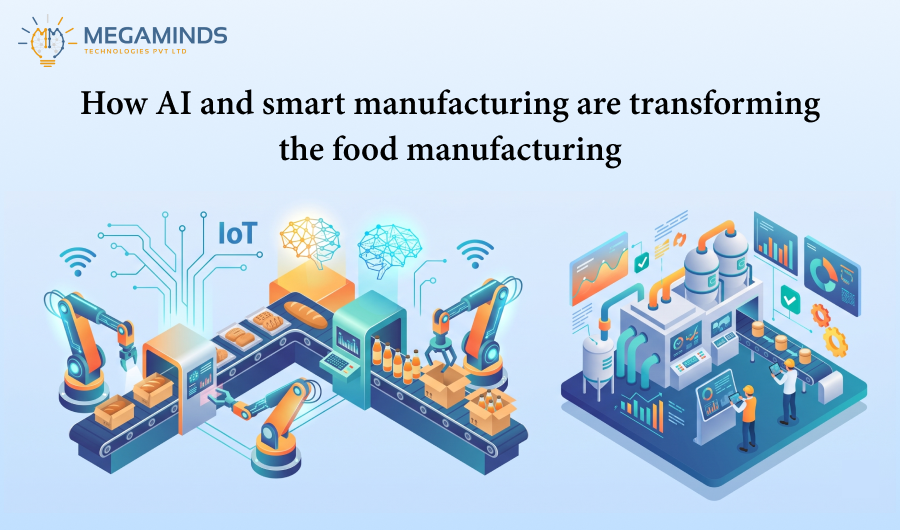
From Manual Processes to Smart...
22 Oct 2026


The digital renaissance in the insurance stream is all about revolutionizing the processes while augmenting customer delight. And the most promising options are the low-code platform Power Apps, which permits creating personalized applications according to certain business needs. This blog has been covering several ways in which Power Apps transform policy management in the insurance industry while solving common problems and endowing one with a step-by-step guide to implement the same. You are here as an insurance executive, or business owner, and you’re going to glean some insights into how Power Apps can enhance the operations.
The insurance sector and its numerous processes can no longer withstand the rapid changes coming from digital transformation that optimizes operations and the customer experience. Microsoft Power Apps acts as a low-code development platform to enable insurers in automating workflows, reducing manual errors, and handling policy management. As revealed by a Gartner survey the estimated size of the global low-code application development platform market in 2023 was USD 24.83 billion and it was expected to grow from 2024 to 2030 at a CAGR of 22.5%.
Traditional insurance operations often involve:
Longer and slower time for policy issuance and claims to process are often a product of these inefficiencies. Power Apps has a solution to this among others by allowing insurers to build specific applications with minimal use of codes for the parts they can handle easily. Thus, it becomes faster and generally more efficient at policy management.
According to McKinsey, digital automation in insurance can cut operational costs by up to 40%, leading to:
By adopting Power Apps, an insurer can avoid outgrowing its policy management and rather compete with personalized and effective services in a dynamic market today.
A number of challenges arise when insurance policies are manually managed or managed with outdated legacy systems:
With these challenges in mind, insurers are in search of solid automated solutions, and Power Apps finds itself in a prime position to be the very technology that will transform policy management.

Power Apps eliminates manual inefficiencies by providing custom-built applications that digitize policy management workflows. Here’s how:
Power Apps enables insurers to create automated workflows where policies can be issued or renewed without manual intervention. Custom apps can pull customer data, validate information, generate policy documents, and send automatic renewal reminders.
Power Apps provide seamless integration with Microsoft Dataverse, Dynamics 365, SharePoint, as well as third-party insurance systems. Hence, the integration guarantees real-time access to policyholder data, premium payments, claims, regulatory requirement reports, etc.
Compliance automation is important in the insurance industry. Secure data management, audit trails, and real-time reporting ensure that Power Apps is compliant with regulations such as General Data Protection Regulation (GDPR), Health Insurance Portability and Accountability Act (HIPAA), and other industry standards.
Power Apps can be linked with an analysis of AI-driven tools such as Power Automate and Power BI to analyze risk variables, fraud detection, and predictive insights on the likelihood of policy claims and renewals.
Power Apps created custom applications to put customers and agents into self-service portals for policy tracking, claim submissions, and personal updates without needing customer support.
Insurers can incorporate Power Apps with artificial intelligence for evaluation of claims to achieve complete automation for the verification, approval processing, and disbursement of claims that considerably reduce the claim cycle from weeks to days.
The insurer can create mobile-friendly apps using Power Apps, allowing agents in the field and policyholders to access policy info, report claims, and communicate with the company anytime and from anywhere.
Recognize the pain areas in your existing policy management system and identify the main functionalities required from Power Apps.
Microsoft has designed many Power Apps plans. Determine the one that suits your organization size, budget, and integration needs.
Use the connectors of Microsoft Power Platform to connect Power Apps with existing CRM and ERP systems, also, document management systems.
Develop the Minimum Viable Product and realize great pilot testing to improve its features before moving on to a big rollout.
Train all employees and field agents on how to use the new system to ensure that it is maximally utilized to ensure maximum ROI.
Provide Power BI analytics to track performance bottlenecks, identify them within the application, and begin to improve processes over time.
Power Apps is revolutionizing insurance policy management by automating workflows, reducing costs, and enhancing customer experiences. By adopting Power Apps, insurers can streamline their operations, improve compliance, and scale their business efficiently.
As a leading low-code development solutions provider, Contact us today we specializes in building custom Power Apps solutions for insurance businesses. If you’re looking to automate policy management, improve customer engagement, and enhance operational efficiency, contact us today to explore how Power Apps can transform your insurance operations.
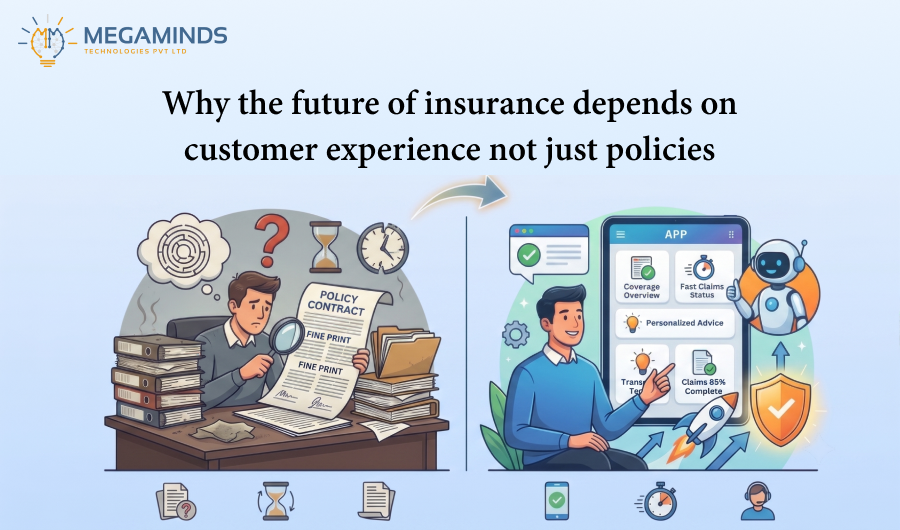
15 Oct 2026
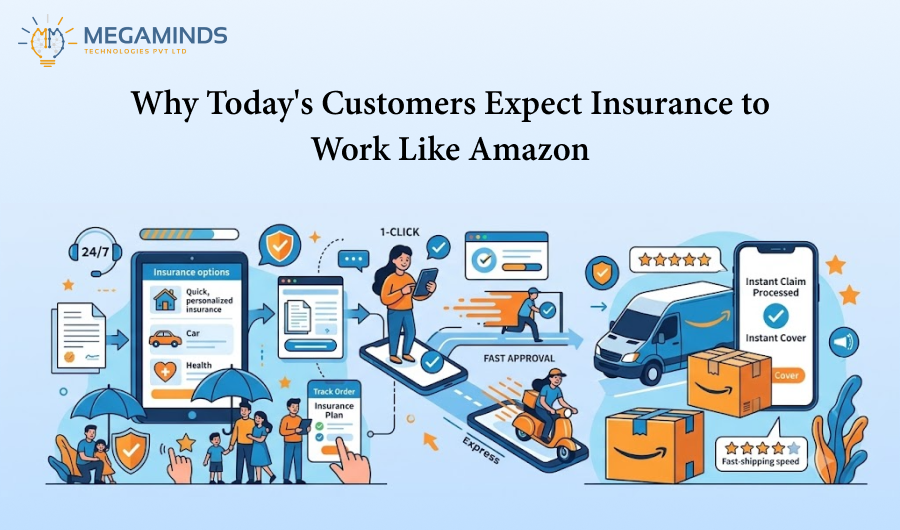
12 Oct 2026
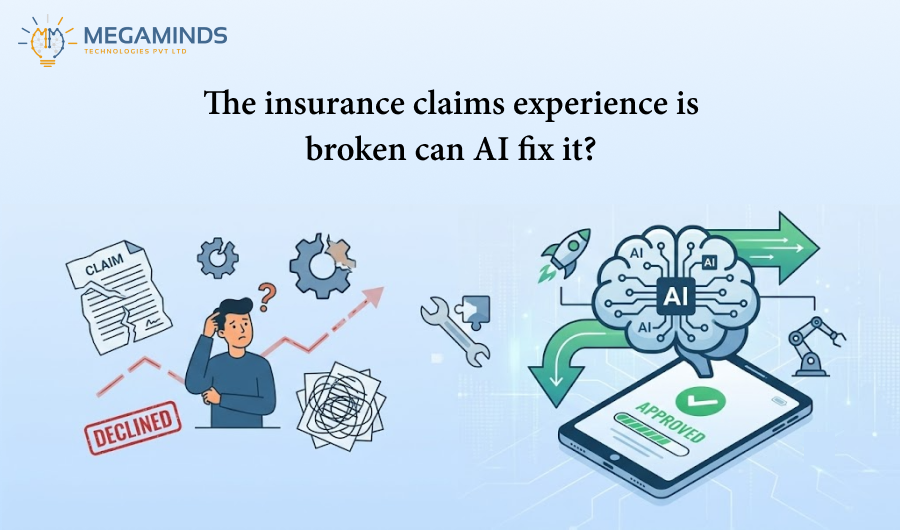
01 Oct 2026