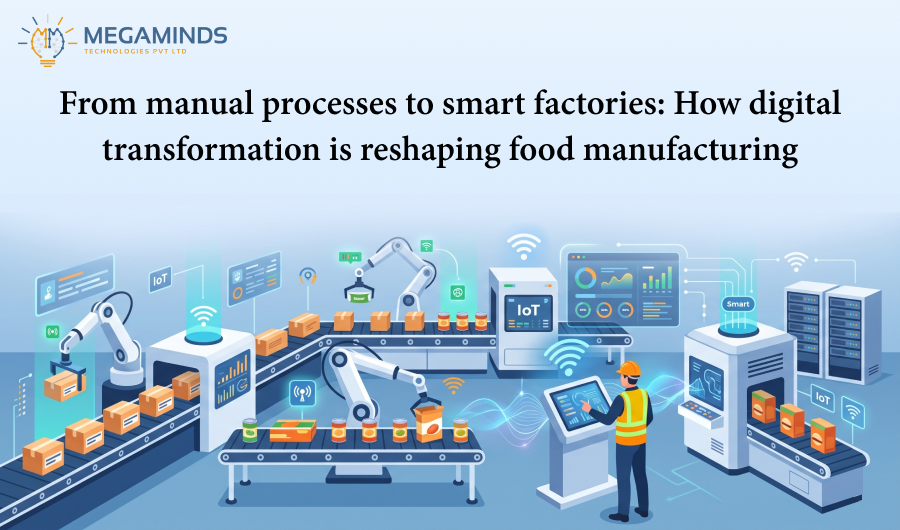
From Manual Processes to Smart...
22 Oct 2026


With a rapidly changing landscape in the financial and the insurance services, efficiency and customer experience can be deemed the ultimate priority. But a lot of organizations still depend on manual workflows for policy renewals. Such outdated processes even render companies operationally inefficient, costlier to sustain, and left with unsatisfied customers. However, modern low-code platforms like Microsoft PowerApps could effectively digitize and streamline policy renewal processes.
This blog looks into how digitization of policy renewals in PowerApps can reduce manual operations significantly, improve accuracy, uplift customer experience, and increase operational efficiency on the part of insurers and businesses reliant on policies.
Typically, manual policy renewal processes consist of several tedious steps:
According to a report by McKinsey & Company, automation in insurance can reduce operational costs by up to 30% while improving customer satisfaction. However, many firms struggle to modernize because of outdated legacy systems, lack of in-house development capabilities, or uncertainty around digital transformation ROI.
Common challenges include:
Microsoft PowerApps is a low-code platform which allows companies to develop customized applications to specific business needs, all without the complicated coding. Seamlessly integrates with Microsoft 365, SharePoint, Dynamics 365, and other external systems like CRMs or policy management tools.
Why PowerApps is ideal for digitizing policy renewals:
Key advantages over traditional methods include:
| Traditional Methods | Power Apps Solutions |
|---|---|
| Manual data entry and document generation | Automated workflows pull data from integrated systems |
| Static risk assessments | AI analyzes claims history and market trends in real time |
| Generic renewal offers | Personalized terms based on customer behavior |
| Siloed compliance checks | Built-in regulatory reporting (GDPR, HIPAA) |
Exactly how Power Apps solution can do the renewals through the streamlined user-friendly process below:
Introducing Power Apps yields tangible business benefits for insurance and policy-centric enterprises:
Less human resources are needed for repetitive tasks because of automation. In fact, the findings of the Deloitte study indicate that automation could cut processing time by 80%.
Elimination of manual entries, thereby enabling increased accuracy of data and a corresponding decrease in compliance risk. The regulatory documents are automatically stored and retrievable for auditing.
It takes hours for the renewal section that used to take days in processing, and now customers will enjoy a better experience that leads them to retention.
Using PowerApps, mobile-enabled forms instant notifications and interactive support deliver an experience that this modern day client demands.
Whether insurance like health insurance, life insurance, vehicle insurance, or property insurance, Power Apps can scale across the product line to realize better returns on investment.
With Power BI integrated dashboards, the business can gain real-time insights from all policy renewals, customer behavior, and business operational KPIs.
Power Apps ensure data consistency by automating form validations, document uploads, and the application of business rules resulting in a larger number of mistakes which necessitate many reworks as well as wasted time.
Application tracks every renewal interaction occurring in the application and this provides a complete timestamped audit trail necessary for compliance and governance purposes.
Data repetitive tasks are released to employees for more important value-adding activities such as customer services, upselling, and relationship management.

Investigate bottlenecks (for example, slow approvals and compliance snags) and establish the goals of automation.
Various flexible plans are offered by Microsoft that fit with the size of a company, integrations to be used, and budget.
Link Dynamics 365 and SharePoint with over 1000 pre-built connectors to PowerApps.
Build an application that goes through only one workflow by developing a pilot app that will give renewal reminders, tested within it by agents and clients before launch.
Teach agents using Power Apps self-service portals and dashboards, extend further into underwriting and claims-integration. When such has been done.
Leverage Power BI to track KPIs renewal rates, cost savings and customer satisfaction.
Digitizing policy renewals with Microsoft Power Apps empowers businesses to move away from error-prone, manual processes and toward a streamlined, customer-centric approach. The result? Lower costs, faster service delivery, and happier clients.
As an IT agency specializing in low-code and enterprise automation solutions, Contact us today to help your organization leverage PowerApps to its fullest potential. Whether you’re an operations manager, or business decision-maker, embracing digital transformation through Power Apps can give you the competitive edge you need.
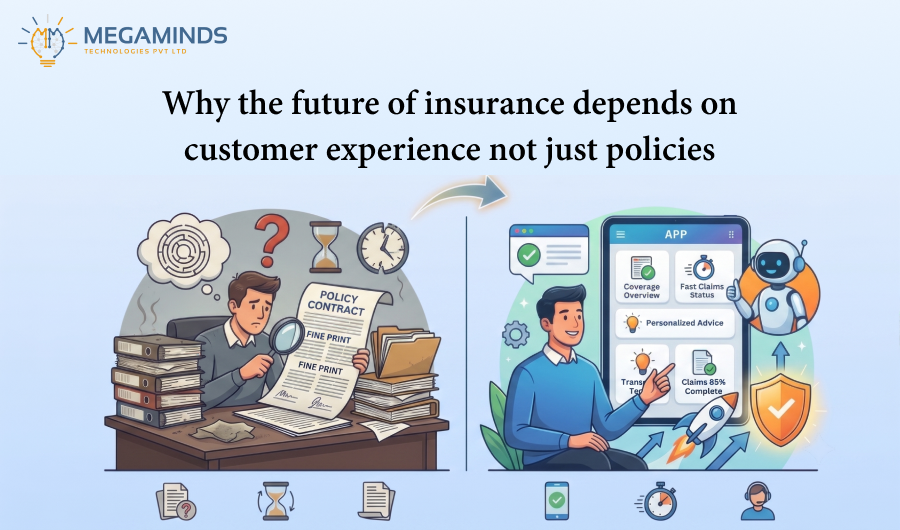
15 Oct 2026
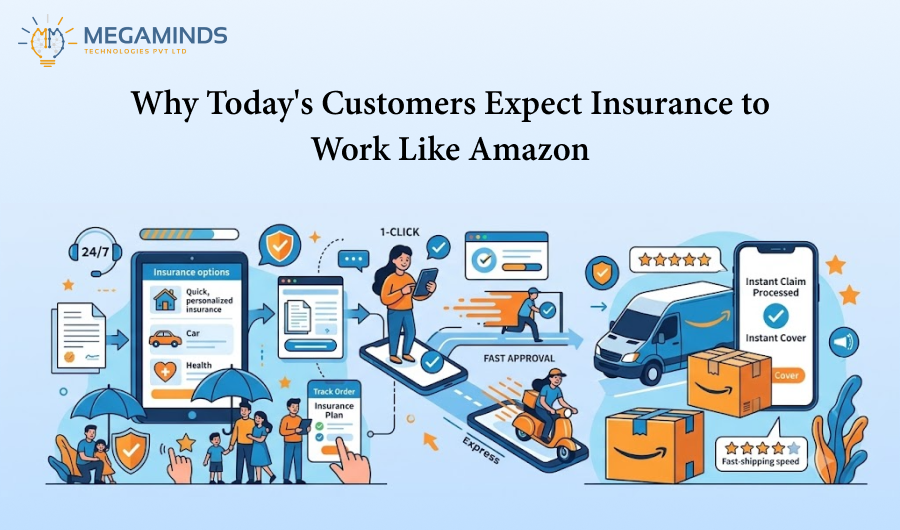
12 Oct 2026
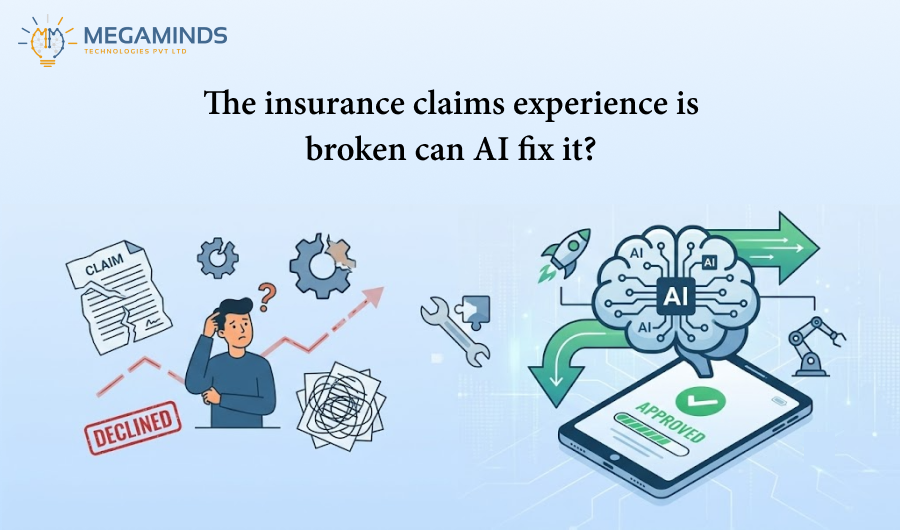
01 Oct 2026